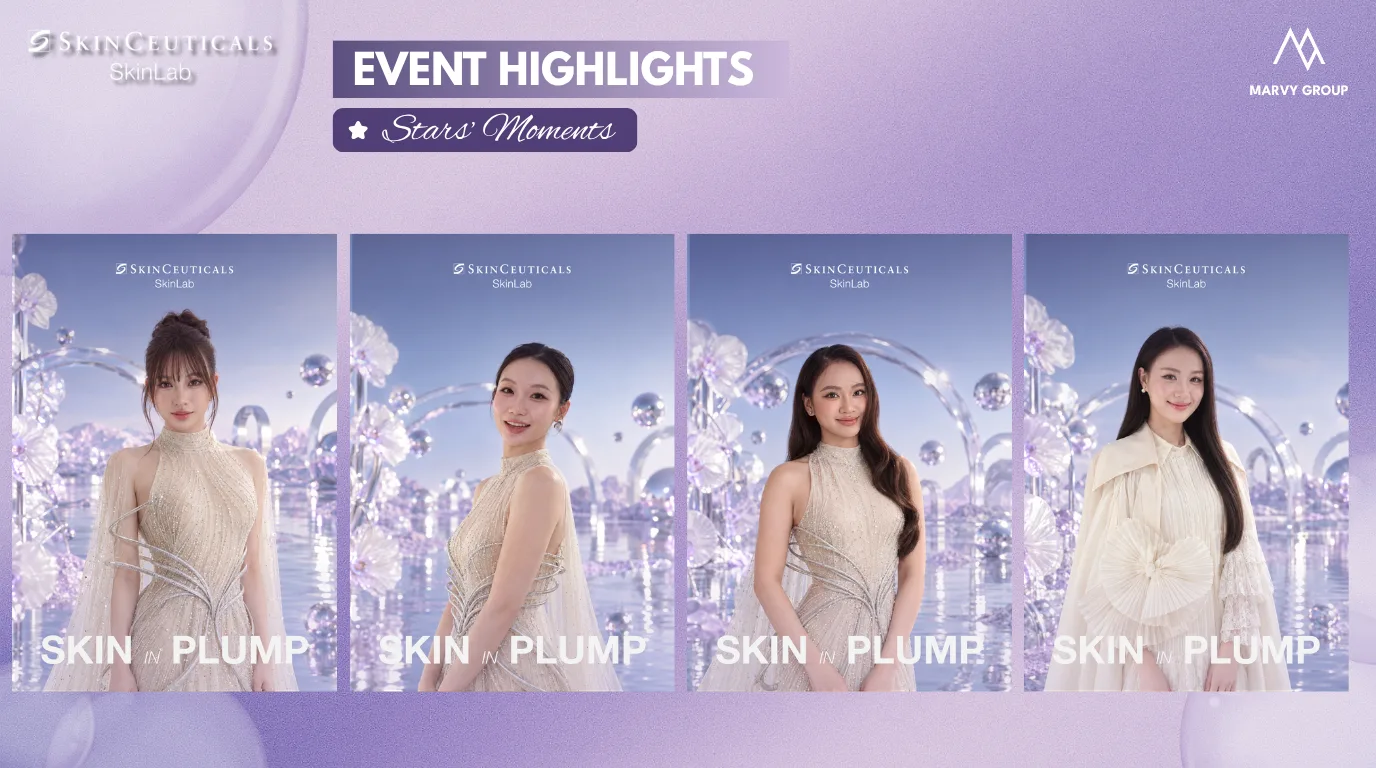
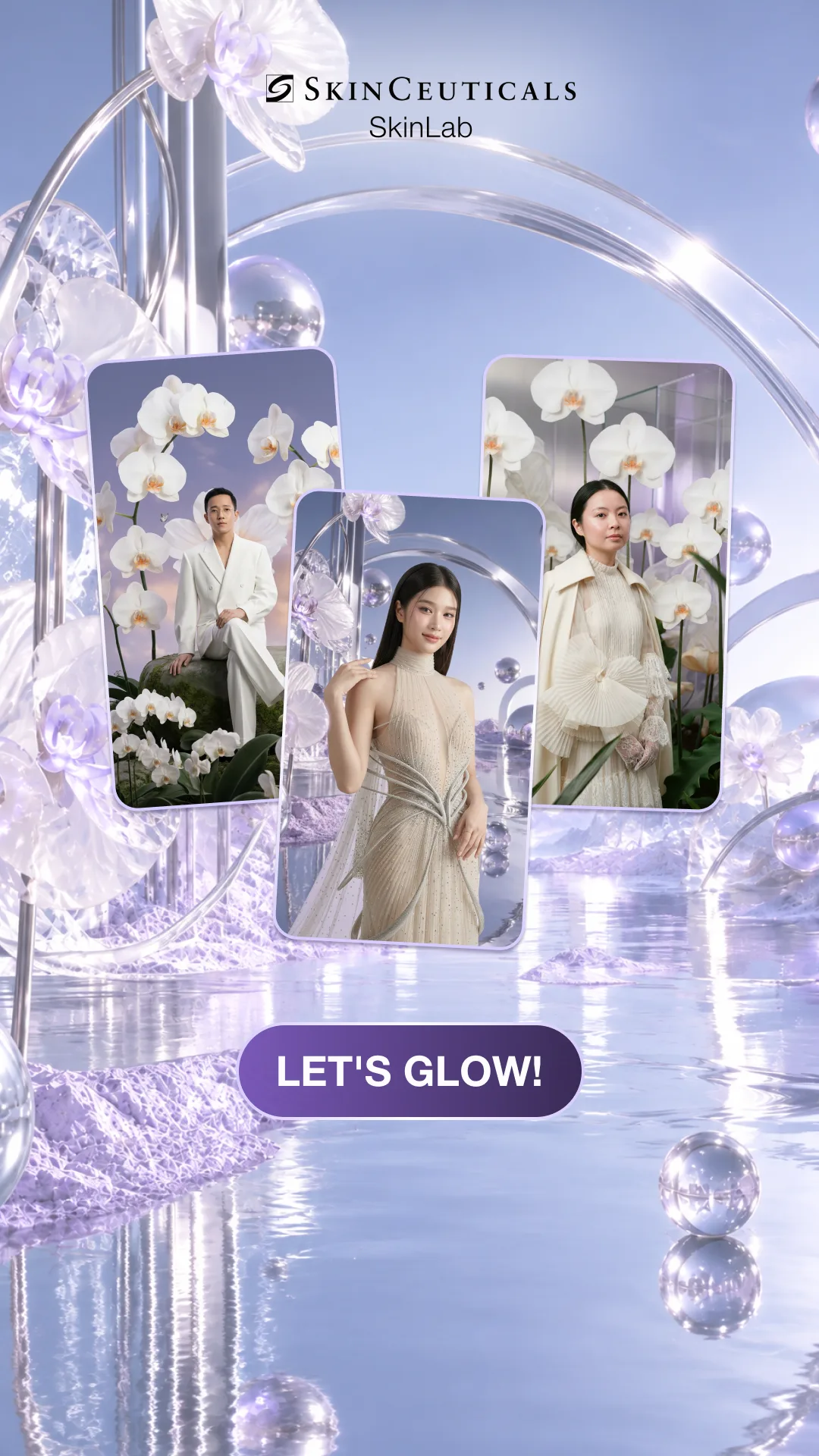
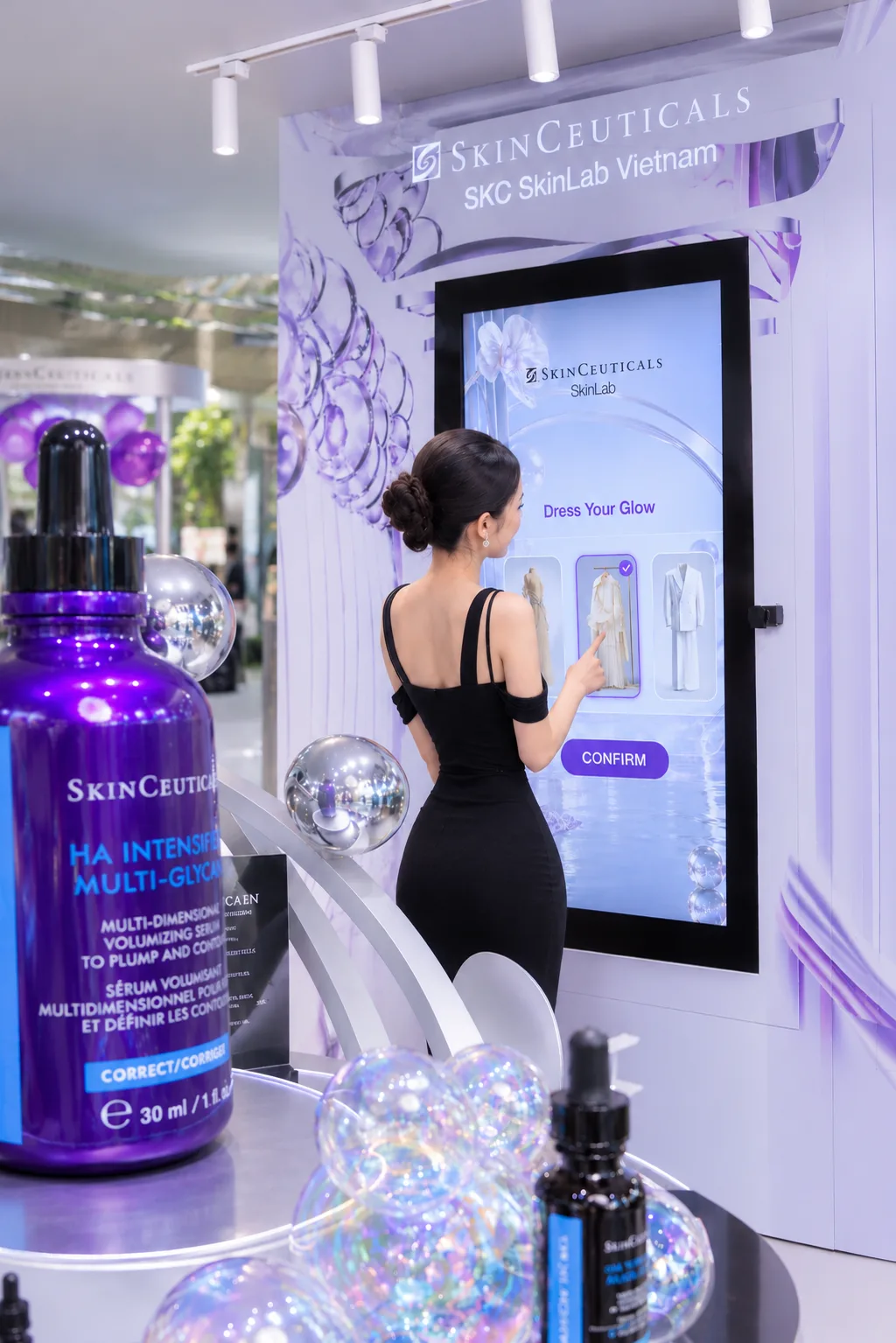
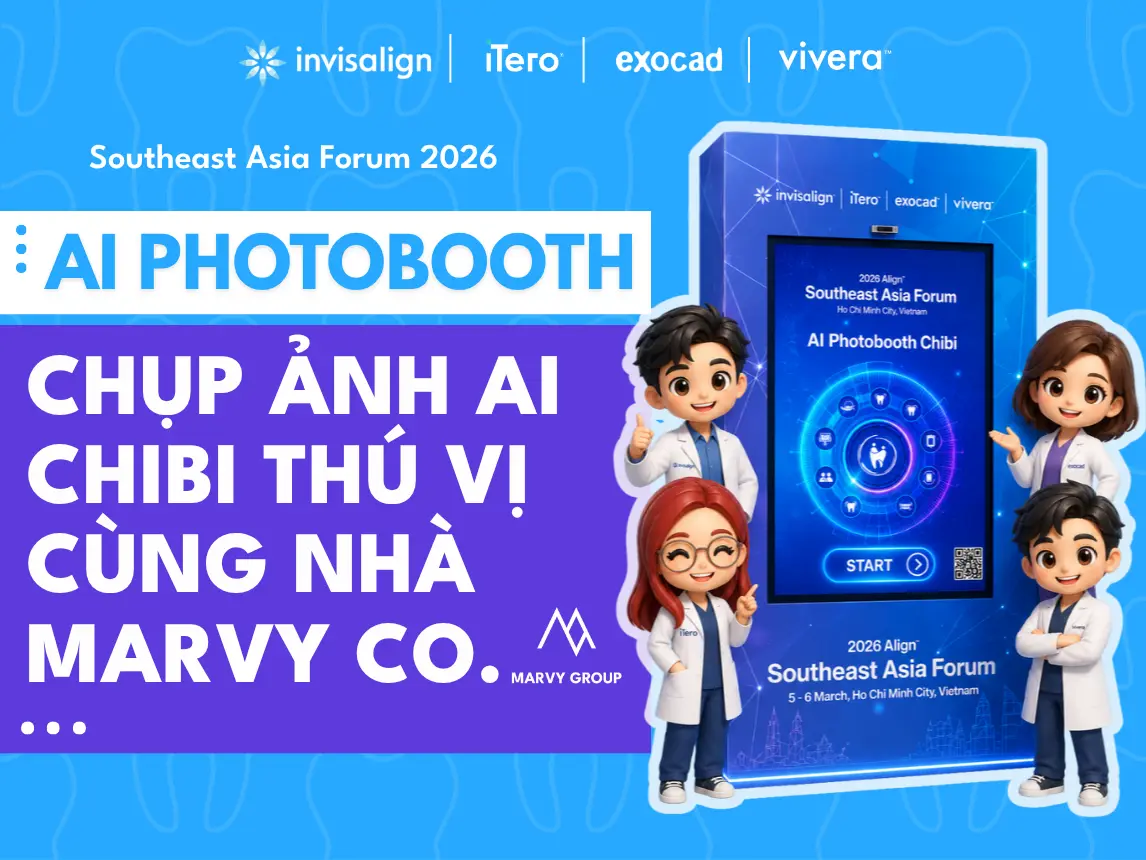
A guest picks a look, gestures at the camera to take the shot, and the AI restyles them in your brand’s world. They leave with a print or a QR code to download it, and the picture can carry your frame, logo and hashtag.
Five steps from the first tap to the picture in the guest’s hand. The screens are SkinCeuticals Skinlab’s booth.
01
Start
The guest taps Start on the booth’s screen.
02
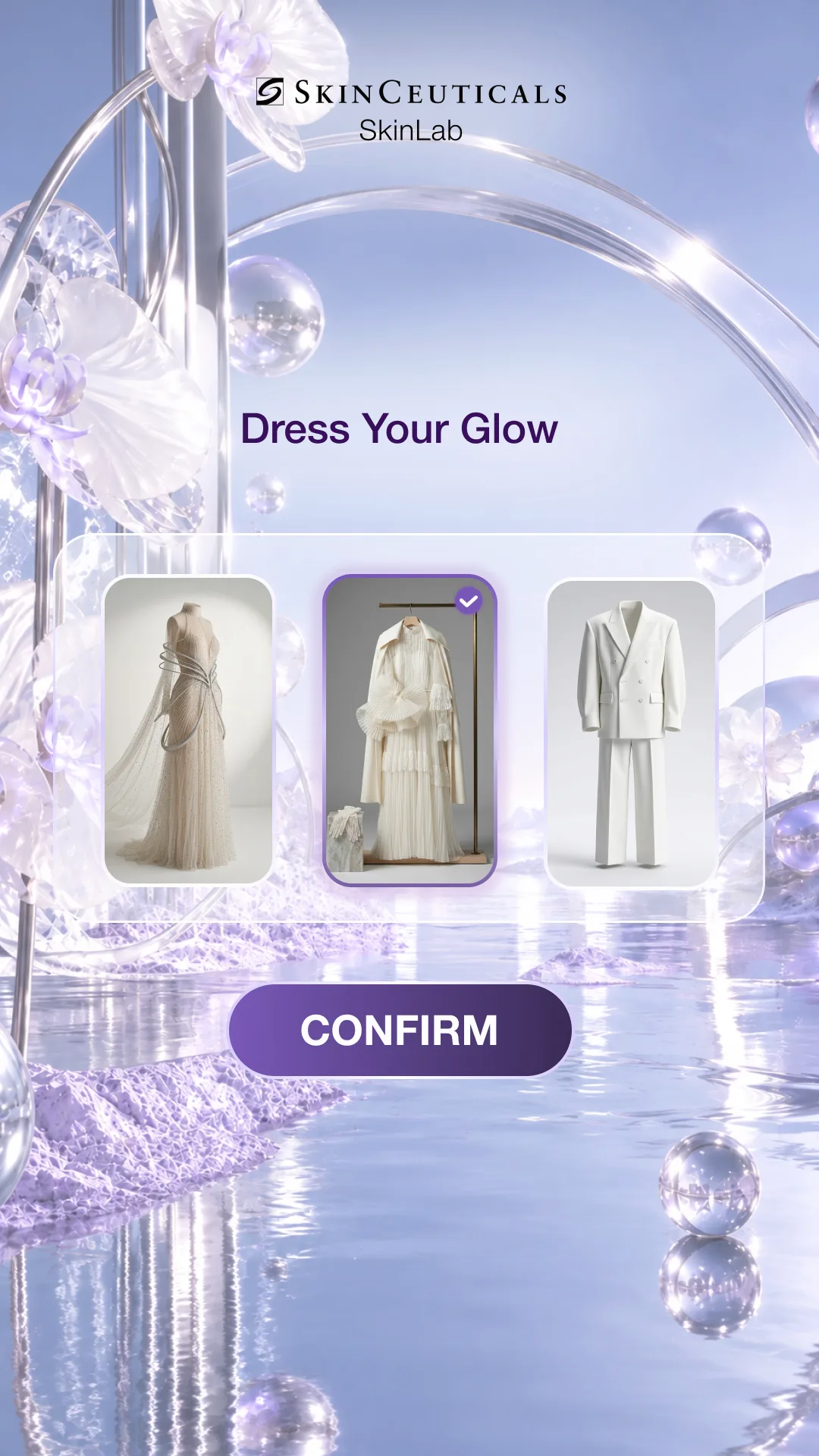
Choose a look
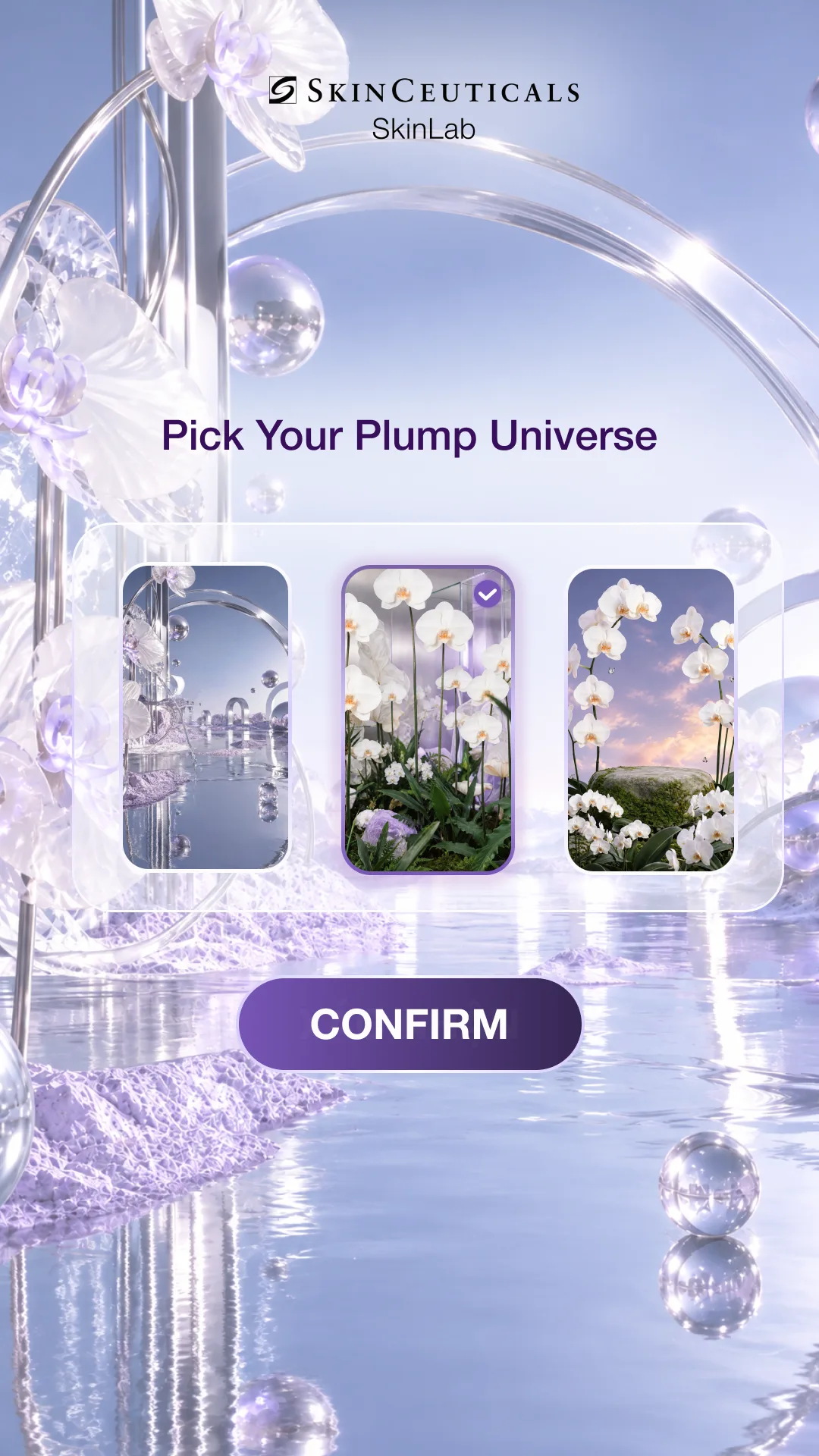
At SkinCeuticals: a gender, one of 3 backgrounds and one of 3 outfits. At Invisalign: their name, a gender and one of 3 templates.
03
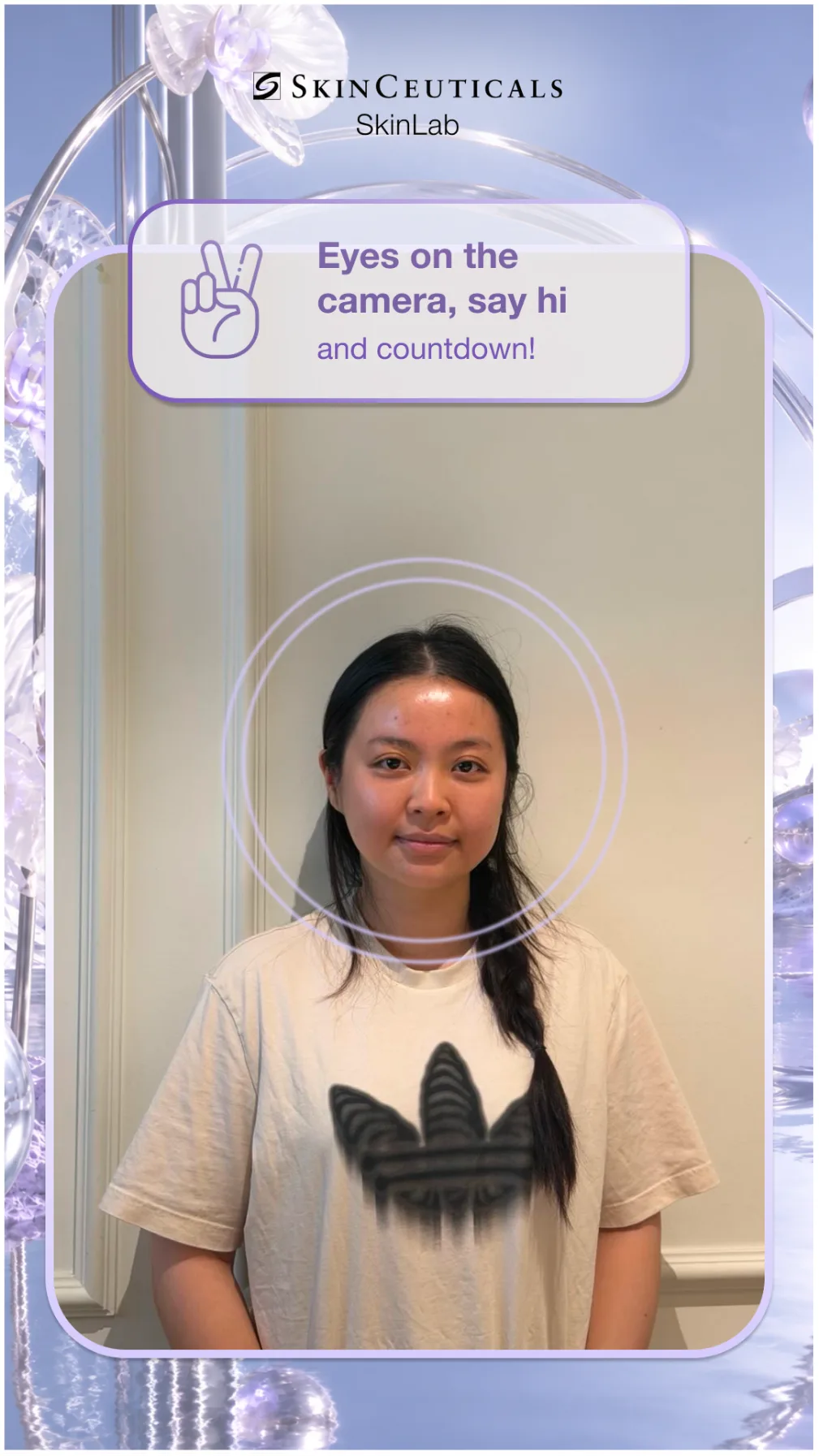
Pose or gesture to shoot
Two fingers up starts a 3-2-1 countdown at SkinCeuticals; at Invisalign, both hands up and a “Hi”. The guest can retake the photo or confirm it.
04
The AI restyles
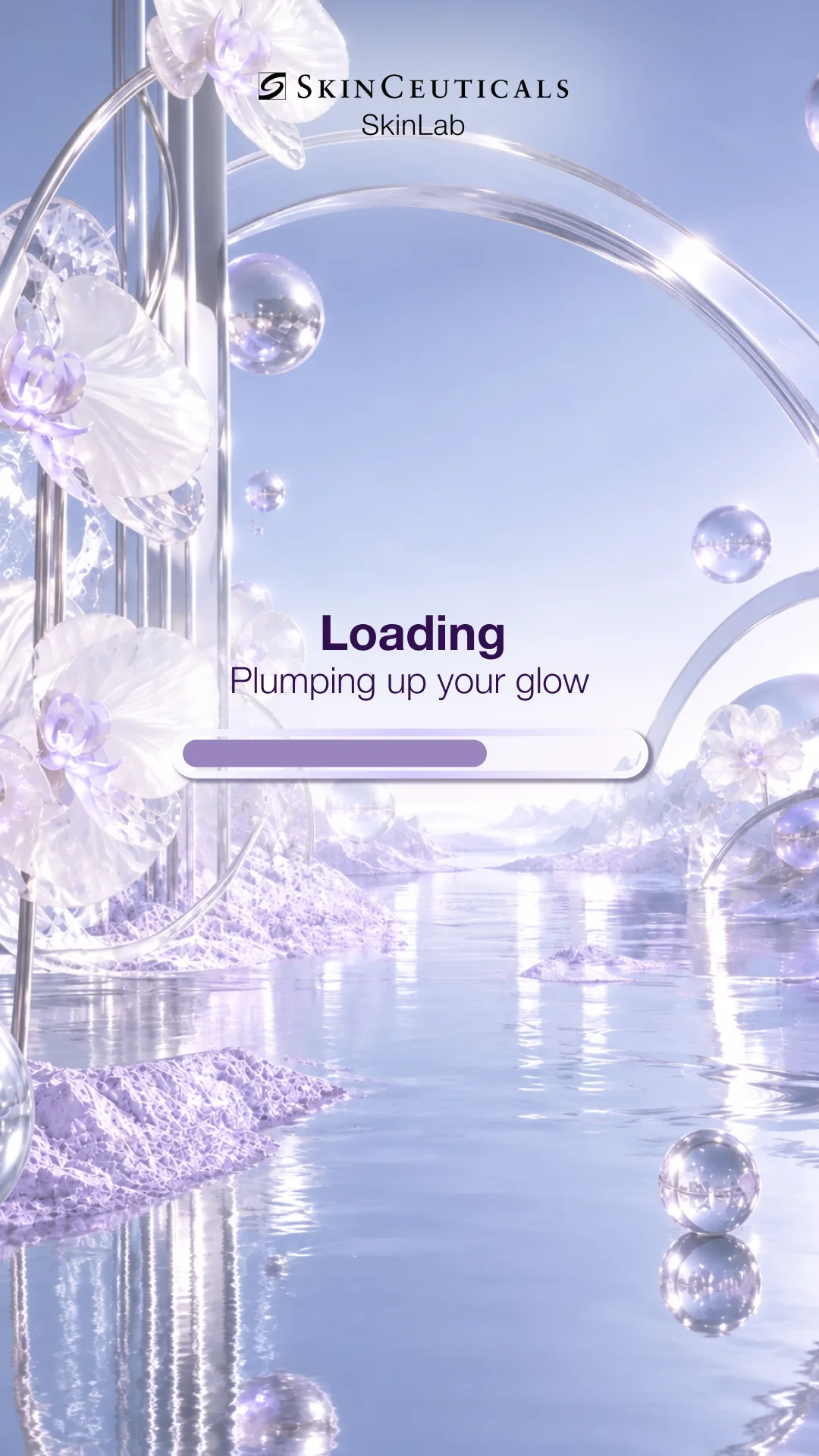
The photo and the choices go to the image generator while a loading screen holds. Faces stay recognisable: SkinCeuticals added subtle make-up and plump, radiant skin; Invisalign drew a Chibi.
05
Print or QR
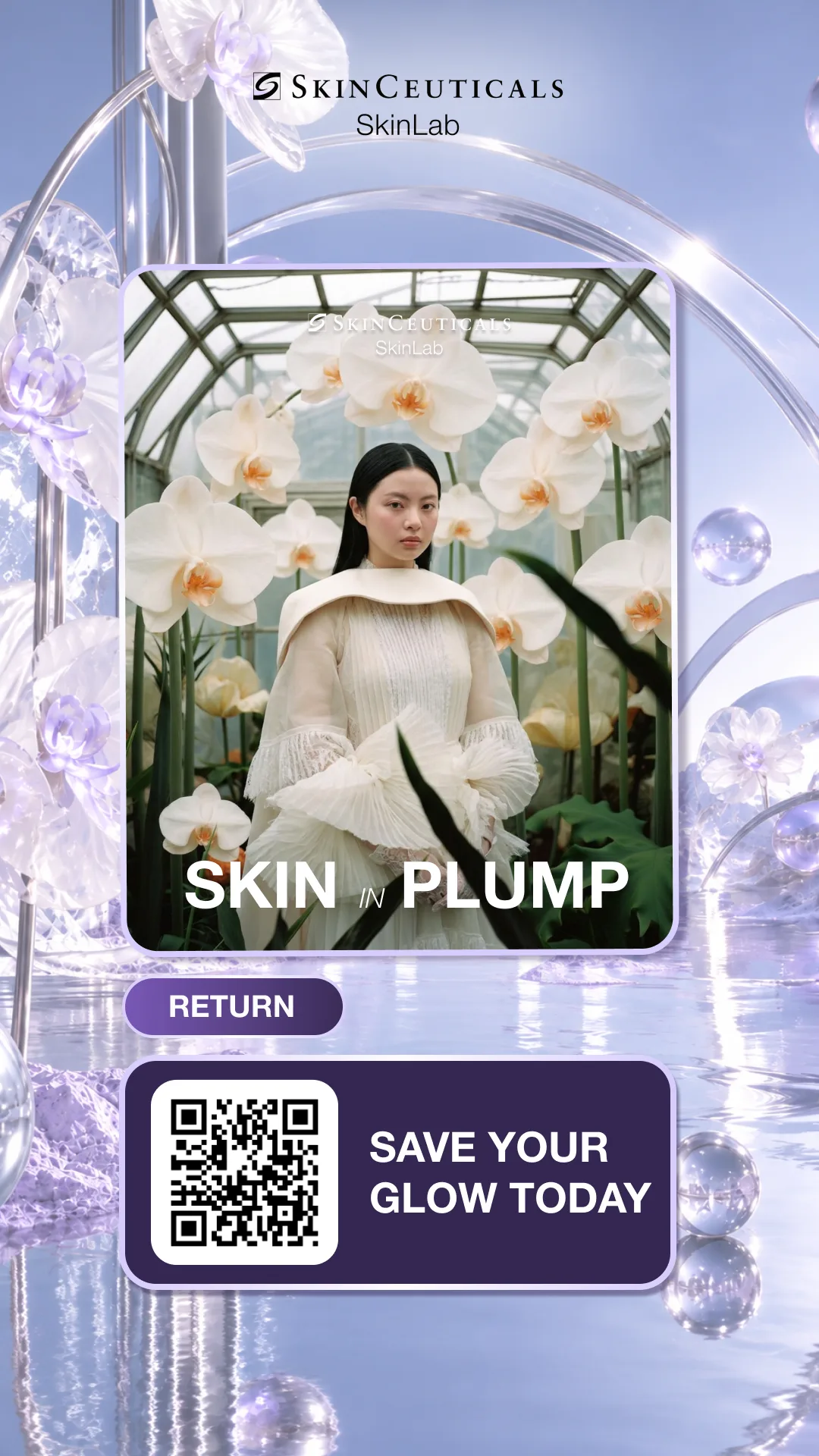
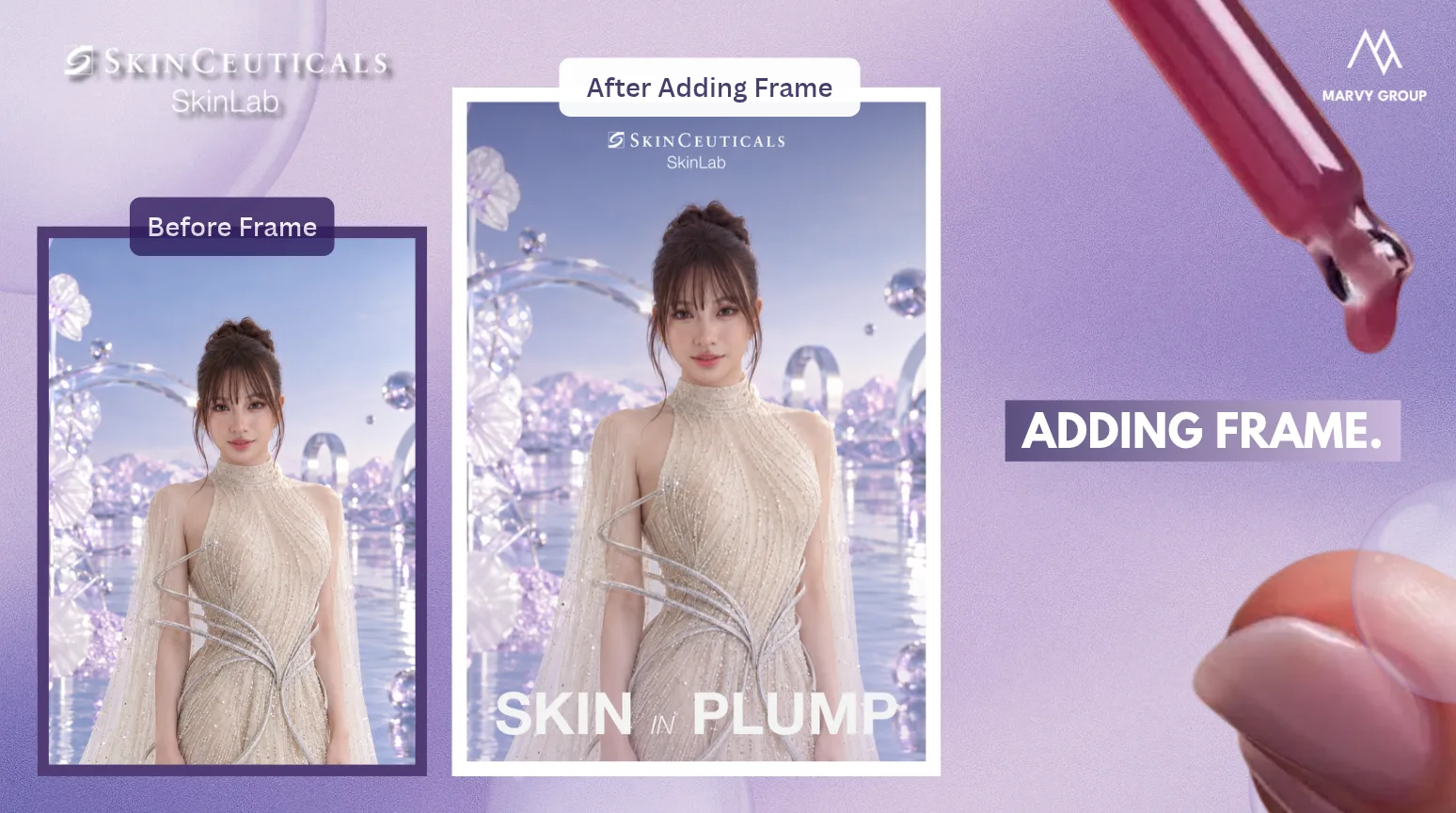
The result appears framed with the brand’s logo and hashtag. Guests scan a QR code to download it, or take a print with its own QR code on it.
01 / 05
Built to your guidelines
What you can brand
Everything a guest sees and takes home can carry the brand. Invisalign’s templates followed the forum’s visual identity guidelines.
Themes and outfits
Backgrounds and outfits drawn for the event. SkinCeuticals offered 3 backgrounds and 3 outfits in the Skin In Plump colours: purple, blue, white and black.
Chibi and character styles
Guests become characters who still look like themselves. Invisalign’s Chibi came in 3 templates, half-body and full-body, each with the guest’s name.
Frames, logo and hashtag
Added to the output automatically, so each picture that gets shared carries the brand.
Print, QR and sharing
At Invisalign, a print at the booth with a personal QR code on it; the digital copy downloaded without a log-in, ready for Facebook, LinkedIn and other networks.
Hand detection
Hands-free capture
The camera takes the shot when it sees the gesture the event chose, so the guest stays in pose instead of reaching for a button.
Raising both hands and saying “Hi” starts the camera.
Live work
Cases
Two booths, two looks: a skincare brand’s portraits and an orthodontic forum’s Chibi characters.
SkinCeuticals ·SkinCeuticals ·SkinCeuticals ·
01 / 02
SkinCeuticals Skinlab
Skin In Plump, a 7-day Women’s Day event from 14 to 20 October. Guests chose a gender, a background and an outfit, held up two fingers, and got a portrait with plump, radiant skin, framed with Skinlab’s logo and hashtag, to download by QR code.
4 booths at the 2026 Align Southeast Asia Forum. Each guest typed a name, chose one of 3 templates, raised both hands and said “Hi”, and could take a printed Chibi of themselves, a QR code on it for the digital copy.
Yes. At Invisalign’s forum, guests could take a print from the booth, with a QR code on it for the digital copy. SkinCeuticals’ guests downloaded theirs by QR code.
Can it match our brand guidelines?
Yes. Invisalign’s templates were designed to the forum’s visual identity guidelines; SkinCeuticals’ screens used the event’s purple, blue, white and black; the outputs carry the brand’s frame, logo and hashtag.
How does a guest take the photo?
With a gesture, not a button. At SkinCeuticals the camera started a 3-2-1 countdown when the guest held up two fingers; at Invisalign, when they raised both hands and said “Hi”.
Does the guest still look like themselves?
That was the brief at both events. SkinCeuticals’ portraits kept each guest’s features while adding subtle make-up and plump, radiant skin; Invisalign’s Chibi kept recognisable facial features and added the guest’s name.
Start a brief
Talk to us
Tell us about the event: the dates, the venue and how many guests you expect.
Two small versions of the tracking our AI and AR campaigns are built on. Nothing loads and the camera stays off until you press Start. After that it all runs on your device.